 Eleanora R.
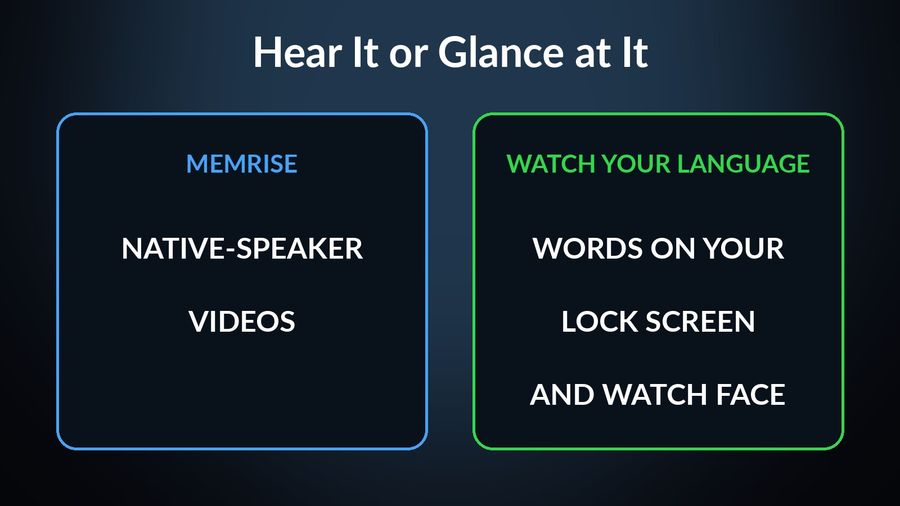
Memrise teaches you to understand and say real phrases; Watch Your Language only keeps words in front of you. If you want to hear people speak and practise conversation, pick Memrise, and use it as your main course. If you already study somewhere and your vocabulary fades between sessions, Watch Your Language puts it on your iPhone Lock Screen, Home Screen and Apple Watch face without a session to open. The table below uses what each product says on its own site or App Store page, checked in October 2026.
| Memrise | Watch Your Language | |
|---|---|---|
| Method | A three-step approach its site describes as “Hear it. Learn it. Copy it.”, built around videos of native speakers. | Spaced repetition that decides which word to show next from the ones you keep forgetting. No lessons. |
| Speaking | Its App Store page lists “AI Buddies” for conversation practice and role-play scenarios. | Not covered. The watch app reads a word and its example sentence aloud with text-to-speech, which is for listening, not for practising conversation. |
| Languages | The site advertises Spanish, French, German, Japanese “+ 145 more”. | 25+ languages. |
| Platforms | The App Store compatibility section lists iPhone, iPad and Apple Vision, with no Apple Watch app. | iPhone and Apple Watch, with widgets on iPad too. |
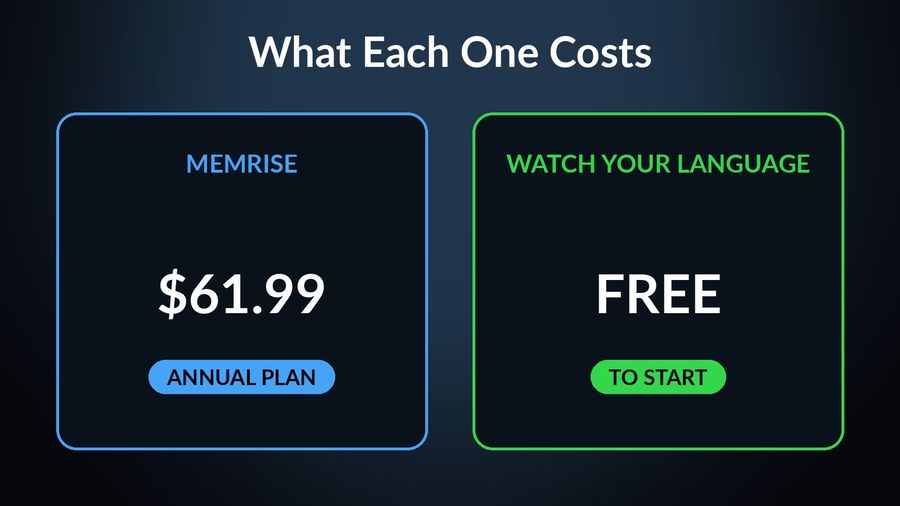
| Price | The site says you can start for free and a paid plan unlocks extra features. Its US App Store listing shows an annual plan at $61.99 and a lifetime plan at $329.99. | Free to start with pre-made word packs; a Premium subscription unlocks all packs and adding your own words. |
| Who it suits | Someone who wants to hear real speakers and practise conversation as a main course. | Someone who already studies elsewhere and wants the vocabulary kept in view. |
Key takeaways
- Verdict: Memrise is the better main course for hearing real speakers and practising conversation with AI Buddies; Watch Your Language only keeps words in view.
- Memrise lists no Apple Watch app or widgets, so every review needs you to open it; Watch Your Language puts words on the Lock Screen and watch face.
- Use both: learn phrases in Memrise, then type or import the words that did not stick so they rotate through your widgets and watch.
Where Memrise does more
Memrise is a language course and Watch Your Language is not, so most of the list belongs to Memrise.
- Real voices. Its site says “Every word comes with a real person saying it”, and the App Store page describes the app as built around real native-speaker videos. Watch Your Language reads words with text-to-speech, so it cannot show you how a person says a whole phrase.
- Conversation practice. AI Buddies and role-play scenarios give you something to say back. Watch Your Language has nothing that listens to you.
- Courses with a goal. The App Store page mentions courses for exams, the workplace and travel. Watch Your Language has no course of any kind.
- Reach. It advertises far more languages than Watch Your Language covers.
Where Watch Your Language does more
The one thing Memrise does not offer is a presence outside its own app. Its App Store listing shows no Apple Watch app, and its page does not mention widgets, so every review happens when you open it. Watch Your Language is built the other way round.
- Nothing to open. Words appear on the Lock Screen and Home Screen of an iPhone, on iPad widgets, and as Apple Watch complications in inline, rectangular, circular and corner shapes, depending on the face.
- A watch app for a closer look. Tap into it for the example sentence, hear the word read aloud, tick it as learned or move on.
- Your own words. With Premium you can type words in, import a CSV, Excel or Google Sheets file, or scan handwritten notes. Watch Your Language shows whatever list you give it.
- Shown more when you miss it. The words you keep getting wrong return more often, and you choose how often a word changes, from every minute to once a week.
Which one to pick
Pick Memrise if…
- You want to hear real people say real phrases and repeat them back.
- You want a main course, with conversation practice, rather than a vocabulary tool.
- You are happy to sit down with an app for a session each day.
Pick Watch Your Language if…
- You will not open an app every day, but you do look at your watch and phone.
- You already have a course, a class or a word list, and need the words to stay in view. Why new words fade explains the problem.
- You want vocabulary on your wrist. See learning a language on an Apple Watch for what a watch can and cannot do.
Using both together
The two do not compete for the same minutes. Let Memrise be where you hear and say phrases, and use Watch Your Language for the words that did not stick: type them in or import them, and they join the rotation on your Lock Screen and watch face. Glancing builds recognition, not the ability to speak, so it supports a session rather than replacing it. Learning vocabulary without studying explains how far that goes, and Watch Your Language vs Duolingo shows the same split with a different course app.


Watch Your Language does not teach and does not listen to you, and Memrise is the better choice for hearing real speakers and practising conversation. What the app adds is a place for vocabulary to live between sessions: a few words at a time on your iPhone Lock Screen, Home Screen and Apple Watch face, with the ones you keep forgetting shown more often. It is free to start with pre-made packs, and Premium unlocks the rest, including your own words.

