 Paul L.
If what you want is one large, fully personal deck under your own control, Anki — AnkiMobile on iOS, or the free desktop app synced through AnkiWeb — is the tool built for that, at the cost of a review queue you have to open yourself. Studying toward a specific class or test, Quizlet is where shared sets already live. Drops and Clozemaster suit a short, structured daily habit; Memrise now leads with native-speaker video and conversation practice. If what you actually want is vocabulary that shows up without a study session — on your Lock Screen, Home Screen or Apple Watch face — that is the one job Watch Your Language is built for, though it leaves grammar, speaking and listening to the others.
How we compared them
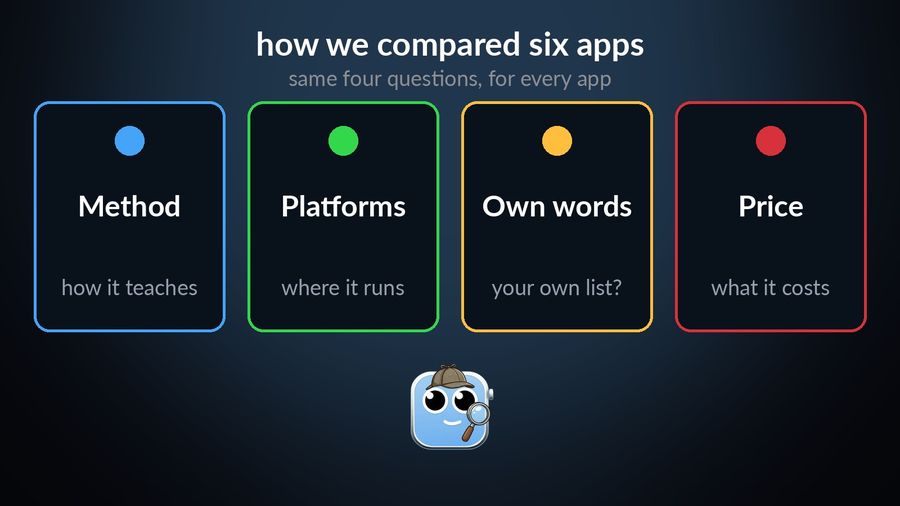
We compared what each app offers, from its own site and App Store listing, in September 2026: the learning method, the platforms it runs on, whether it lets you add your own words, and how it prices access. This is a comparison of public information, not a hands-on trial, so every claim below links to the page it came from.
Anki (AnkiMobile on iOS / AnkiWeb)
Who it is for: people who want one very large, fully personal deck — years of vocabulary, an existing word list, a medical or law-school glossary — and who do not mind a setup phase.
What it does well: total control. You define your own note types and cards, and download decks other learners have shared. The desktop app runs on Windows, macOS and Linux for free, and AnkiDroid on Android is also free, syncing through AnkiWeb. Scheduling uses the same SM2 and FSRS algorithms everywhere, reviewing material right before you forget it, and AnkiMobile on iOS is a one-time $24.99 purchase on the US App Store, not a subscription.
What it lacks: a gentle start. Setting up decks and add-ons is easiest on the desktop app, and Anki has no presence on your wrist or Lock Screen — you have to remember to open it.
Quizlet
Who it is for: students working toward a specific class or exam, especially when a teacher or classmate has already published a set.
What it does well: turns typed or uploaded notes into a full study set, then offers several study modes built from the same set — flashcards, an adaptive Learn mode, practice tests, and study games. You can build and share your own sets as easily as searching for someone else's.
What it lacks: it is built around study sets for a class or an exam rather than vocabulary you keep for years, and the fuller study modes sit behind Quizlet Plus, which starts at $9.99 a month, or $44.99 billed yearly, on the US App Store — check the App Store in your own country, since pricing varies.
Drops
Who it is for: beginners who want a playful, visual five minutes a day, across a wide choice of languages.
What it does well: short, game-like sessions built around icons and swipes rather than text entry, and more than 55 languages, alongside spin-off apps for writing systems and for children. Drops is made by PlanB Labs, part of Kahoot's language-learning portfolio since 2020.
What it lacks: the free version is capped to a short daily session, and nothing on its own site describes importing your own word list. Premium removes the time limit for $11 a month, $69.99 a year, or a one-time $150 for lifetime access.
Memrise
Who it is for: learners who want to hear a word said naturally and practise using it in conversation, more than build a large personal flashcard deck.
What it does well: Memrise has changed shape recently. It moved its community-made courses to a separate site starting in 2024 and rebuilt the app around native-speaker video clips and MemBot, an AI conversation partner, alongside exam-prep tracks for IELTS, GCSE and similar tests.
What it lacks: less than it did a year ago: user-created word lists have returned to the app, though the app is built around its own video and conversation content rather than your list. Memrise is free to start, with a paid plan for the rest — pricing varies by offer and region, so check the current plans on its site or the App Store before subscribing.
Clozemaster
Who it is for: learners past the absolute-beginner stage who want vocabulary in context — real sentences — rather than isolated cards.
What it does well: fill-in-the-blank practice built from real sentences across more than 50 languages, which asks you to use grammar and word order correctly to get an answer right, not just recognise a word on its own.
What it lacks: not much in its niche; practice comes mainly from Clozemaster's own sentence collections, and your own sentences need Pro, which lets you upload custom collections from a file. Core exercises are free; Pro adds unlimited sentences, offline downloads and progress analytics, at a price worth checking on their site.
Watch Your Language
Who it is for: someone who does not want another app to open — who would rather the vocabulary simply be there while they check the time.
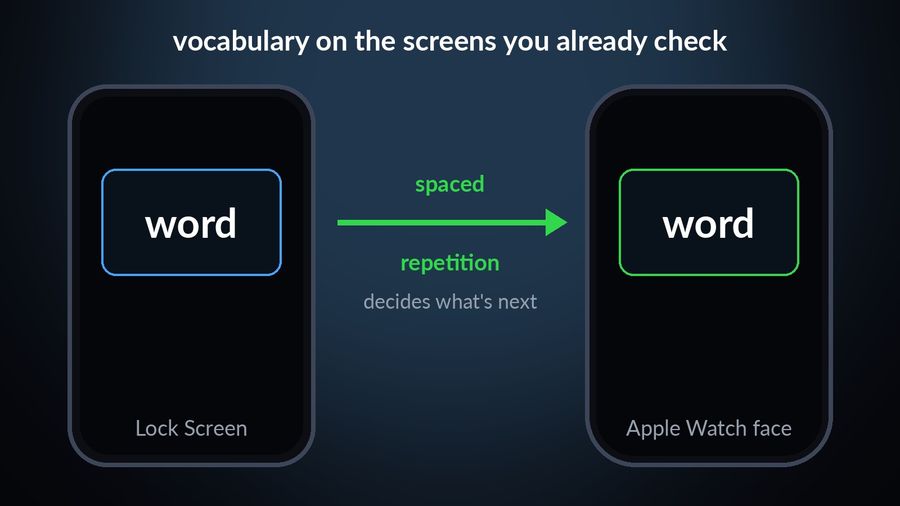
What it does well: it puts words in your iPhone Lock Screen and Home Screen widgets, iPad widgets, and Apple Watch complications, and decides which word to show next using spaced repetition — you choose how often it changes, from every minute to once a week. It covers 25+ languages in themed packs graded A1 to C2, and you can add your own words by typing them in, importing a CSV, Excel or Google Sheets file, or scanning handwritten notes with the camera, with transliteration shown for languages such as Japanese, Korean and Chinese.
What it lacks: everything that is not vocabulary. It does not teach grammar, and it has no speaking or listening lessons — for those, Memrise or a course-based app is the better fit. It is free to start with pre-made packs; a Premium subscription unlocks the rest, along with unlimited custom words.
How the six compare
| App | Method | Platforms | Own words | Price model |
|---|---|---|---|---|
| Anki / AnkiMobile | Flashcards, SM2/FSRS spaced repetition | Windows, macOS, Linux, iOS, Android, web sync | Yes — full custom decks | Desktop and Android free; AnkiMobile $24.99 one-time |
| Quizlet | Study sets, flashcards, practice tests | iOS, Android, web | Yes — build or upload your own sets | Free tier; Plus from $9.99 a month |
| Drops | Visual, game-based sessions | iOS, Android | Not described | Free with a daily time limit; Premium from $11 a month |
| Memrise | Native-speaker video, AI conversation practice | iOS, Android, web | Yes — custom word lists | Free to start; paid plan for the rest |
| Clozemaster | Fill-in-the-blank practice, real sentences | iOS, Android, web | Pro only — custom collections | Free; Pro adds unlimited sentences |
| Watch Your Language | Passive spaced repetition, no session | iPhone and iPad widgets, Apple Watch | Yes — type, import, or scan | Free to start; Premium unlocks all packs |
Which one to pick
- Anki if you already think in flashcards and want one deck that can hold everything you ever learn.
- Quizlet if you are studying toward a specific class or test and want to reuse sets other people made.
- Drops if you are just starting a language and want something playful and short.
- Clozemaster if you already have some vocabulary and want to practise it in real sentences.
- Memrise if hearing native speech and practising conversation matters more than building a word list.
Pick Watch Your Language if none of that fits your day — if the honest answer is that you will not open a flashcard app, but you will glance at your watch. It will not replace a grammar course or a conversation partner, but for keeping your own vocabulary alive with no session to remember, it is the one built for exactly that. You can check your current vocabulary level before deciding what to fill it with, or read more about how vocabulary can grow without a study session.
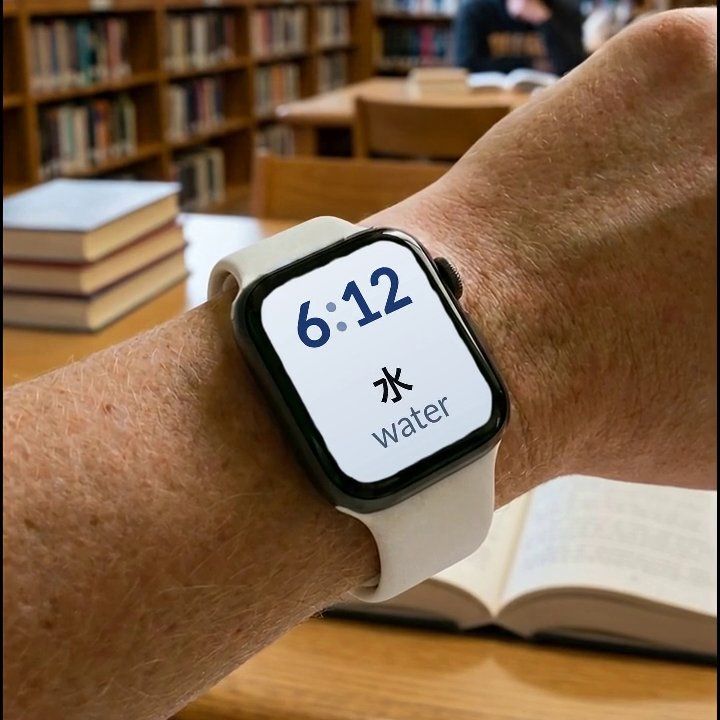

Watch Your Language is not a flashcard app or a course: it shows your vocabulary — pre-made packs or your own words — in widgets on your iPhone and in Apple Watch complications, and schedules which word appears next using spaced repetition. It suits a reader who wants vocabulary present in daily life rather than one more app to open, and it is not the right tool for grammar, speaking or listening practice.