 Paul L.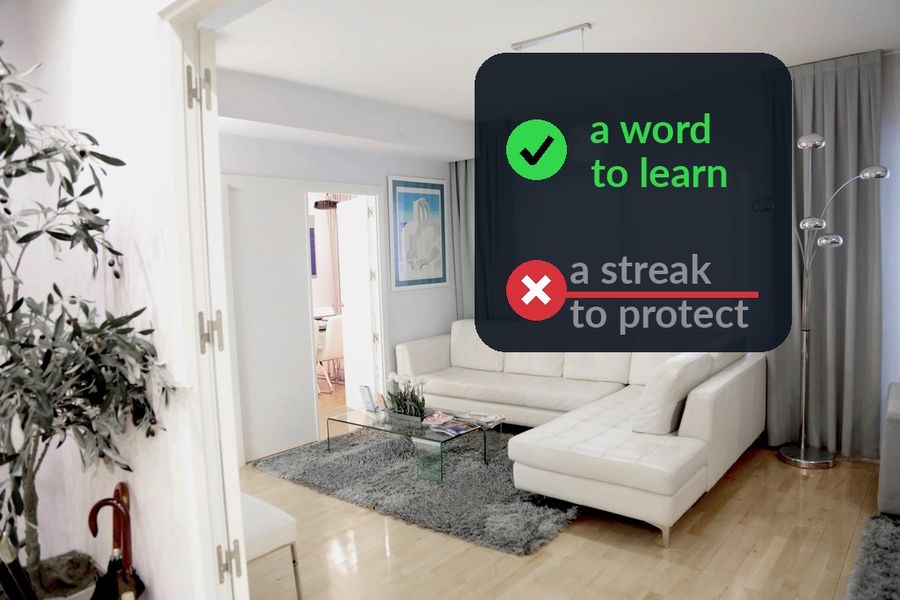
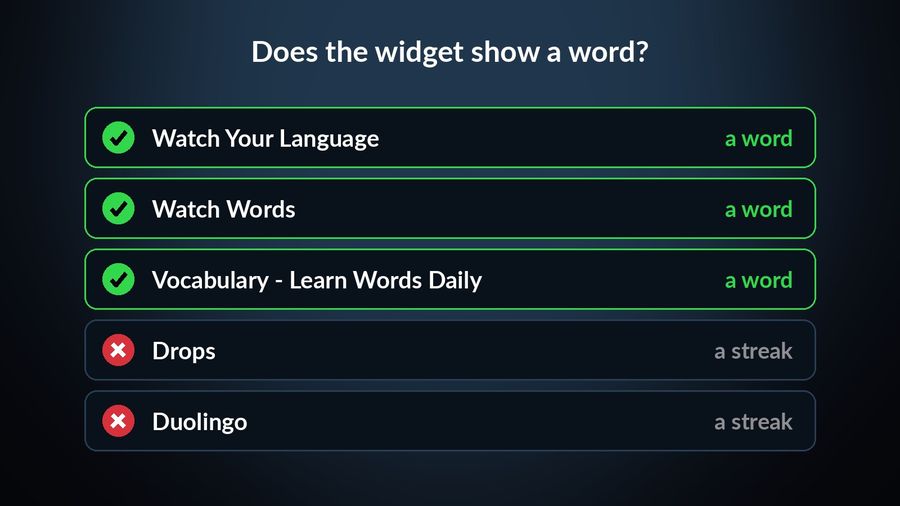
Of the language apps checked here that offer an iPhone widget, two use it as a reminder to open the app before a streak breaks, and two show an actual word. Checked against their own App Store pages and sites in September 2026, only a few put vocabulary itself on the Lock Screen, Home Screen or Apple Watch face — and of the apps here, Watch Your Language is the only one that also schedules which word you see next by spaced repetition.
How we compared them
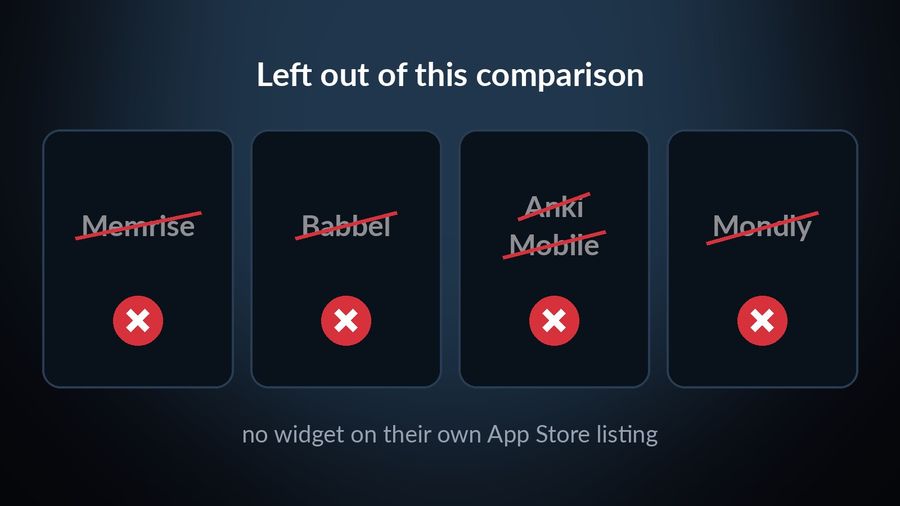
We read each app's own current App Store listing in September 2026 — the description, subtitle and "Requires" compatibility section — plus its own site or blog where one exists, and checked specifically for a widget and for Apple Watch support. An app is only included here when its own App Store page or blog confirms a widget; on their current App Store pages, Memrise, Babbel, AnkiMobile and Mondly mention no widget at all, so they are left out. Every claim below links to the page it came from.
Watch Your Language — a word, chosen by what you keep forgetting
Who it is for: someone who wants a specific word waiting on the screen they already check, not a reminder to go and find one.
What it does well: vocabulary shows in widgets on the iPhone Lock Screen, Home Screen and iPad, and in Apple Watch complications — inline, rectangular, circular and corner — across 28 learning languages. A spaced repetition schedule decides which word comes next from the ones you keep forgetting, and you choose how often it changes, from every minute to once a week. A watch app lets you practise directly: reveal a word, mark it right or wrong. Words come in themed packs graded A1 to C2, more than 10,000 in total, and with Premium you can add your own — typed in, imported from a spreadsheet, or scanned from handwritten notes with the camera.
What it lacks: lessons, speaking practice and grammar explanations — it is a vocabulary tool, not a course. See it on the App Store.
Watch Words — a word and its definition, refreshed hourly on the watch face
Who it is for: someone who wants the word on the watch face itself and does not need it tracked against what they already know.
What it does well: its App Store listing describes a watch complication that "will immediately start displaying a word and its definition" and refreshes "every hour so you seamlessly learn 12 hours a day." You can set which hours it appears and how many days each set stays before rotating, and build custom word sets alongside the built-in categories.
What it lacks: recent updates — its listing shows its last version in 2017, so check that it installs on your watch. The listing also describes the watch complication only — no iPhone Lock Screen or Home Screen widget. Its built-in sets are Business English vocabulary, and any other language means building your own sets. The rotation runs on a timer rather than on what you get wrong, so a word you already know keeps coming back on the same schedule as one you do not.
Vocabulary - Learn Words Daily — a big English word pool, on a widget
Who it is for: someone building English vocabulary, native speaker or learner, who wants a new word on the Lock Screen or Home Screen and does not need other languages.
What it does well: Monkey Taps' app leads its own App Store subtitle with "Word of the day widget & games," and lets you pick a difficulty level and vocabulary categories, so the pool of English words on offer is broader than a single fixed list. Its own listing also names Apple Watch among the supported devices, requiring watchOS 9.6 or later.
What it lacks: the listing does not say what appears on the watch itself, or whether the words shown adapt to which ones you get wrong. It is built around English vocabulary, so check its listing before counting on it for another language.
Drops — a streak reminder, not a word
Who it is for: someone who already does Drops's short visual sessions and wants a nudge not to miss a day.
What it does well: Drops's own blog describes a Home Screen widget that "gives you daily reminders to keep your streak alive," which is a genuinely useful nudge if losing a streak is what actually stops you coming back.
What it lacks: the blog post describes a reminder, not a vocabulary word on the widget itself, and its App Store compatibility section lists iPhone and iPad only — no Apple Watch.
Duolingo — a streak counter and an owl, not a word
Who it is for: someone already doing Duolingo's daily lesson who wants a visible reason not to break the chain.
What it does well: Duolingo's own blog post on the feature explains that the widget shows "whether or not they had done a lesson that day, and the length of their current streak," plus a Duo mascot whose mood changes with it, on both a Home Screen widget and a lock screen one.
What it lacks: by its own description, no vocabulary appears on the widget at all — it is a habit prompt, not a word to learn. And its App Store listing shows iPhone, iPad and Apple Vision only — no Apple Watch app.
How the five compare
| App | What the widget shows | Lock Screen / Home Screen | Own words | Apple Watch |
|---|---|---|---|---|
| Watch Your Language | A word chosen by spaced repetition, from your own list or the app's packs | Both, plus iPad | With Premium — type, import, or scan | Yes — complications, plus a practice app |
| Watch Words | A word and its definition, refreshed hourly | No — watch only | Yes — custom sets | Yes — complication only |
| Vocabulary - Learn Words Daily | An English word of the day | Yes (widget) | Not described | Listed compatible; not described |
| Drops | A streak reminder, not a word | Home Screen | Not described | No — not listed |
| Duolingo | Streak count and Duo's mood, not a word | Both | Not described | No — not listed |
Which one to pick
- Watch Words if you want a word and its definition on the watch face on a fixed hourly timer, with Business English sets built in or sets of your own, and do not need it to track what you already know.
- Vocabulary - Learn Words Daily if you are an English speaker who wants a wide pool of English words on a Lock Screen or Home Screen widget and is not learning another language.
- Drops if you already use its short sessions and just want a nudge to keep your streak going.
- Duolingo if the lesson itself is the point, and the widget only needs to remind you to do it.
Pick Watch Your Language if what you actually want is the word itself, chosen from what you keep forgetting, on your Lock Screen, Home Screen and Apple Watch face — and you are learning one of its 28 languages rather than only building English vocabulary. It will not replace a grammar course or a conversation partner; for that, see how it compares to the other apps that still run on Apple Watch and read more about how vocabulary can grow without a study session. If flashcards, games or native-speaker video matter more to you than a widget, our roundup of the best vocabulary apps covers that wider field.
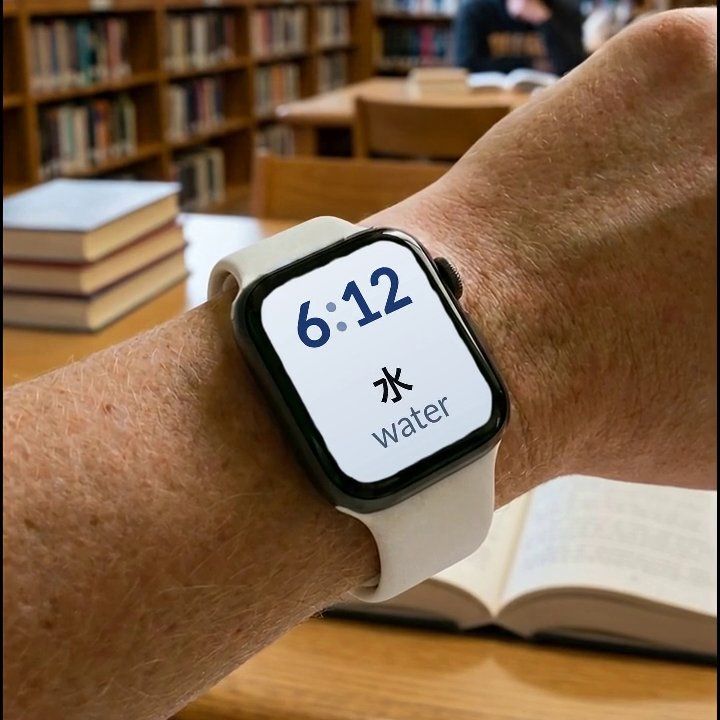

Watch Your Language puts a word on your iPhone Lock Screen, Home Screen and Apple Watch face — inline, rectangular, circular or corner complications — and decides which one to show next from the words you keep forgetting, using spaced repetition. You choose how often it changes, from every minute to once a week, across 25+ languages and more than 10,000 words, and, with Premium, your own added by typing, import or camera scan. It is a vocabulary tool, not a course: no grammar, speaking or listening lessons.