 Eleanora R.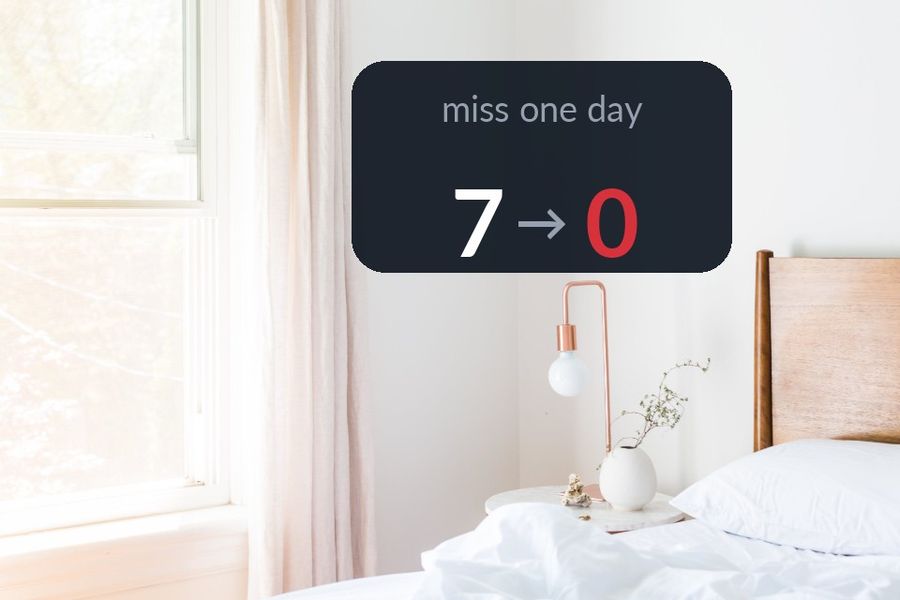
A missed day on Duolingo does not just cost you that day. It costs the number, and for a lot of learners the number was doing more work than the lessons were. Duolingo's own help centre describes the streak as "the number of days in a row you've completed a lesson," shown with a flame icon — a plain counter that a lot of people end up protecting harder than they protect their actual learning. If checking in to save the number has started to feel like the point, rather than the language underneath it, that is streak burnout, and it is a reasonable thing to feel.
Key takeaways
- Streak burnout comes from one counter doing too much work: keep the lessons you enjoy, but stop treating a consecutive-day number as proof you are learning.
- A streak freeze must be bought before the missed day; afterwards you can only buy a repair with gems. Use both as conveniences, not obligations.
- Let vocabulary schedule itself on your Lock Screen or Apple Watch face; Watch Your Language does this but teaches no grammar or speaking, so keep a course for those.
The quick answer
Keep whichever parts of Duolingo you enjoy, and stop asking one consecutive-day counter to be the only proof that you are still learning. Separate the two jobs it was doing: a structured lesson, which benefits from showing up regularly but does not need a streak attached to it, and vocabulary, which is better served by something that keeps bringing words back on its own — a widget, a podcast, a page you read — rather than a task you owe the app every day. Once the vocabulary is circulating without your intervention, a skipped lesson stops feeling like a loss.
How the streak actually works
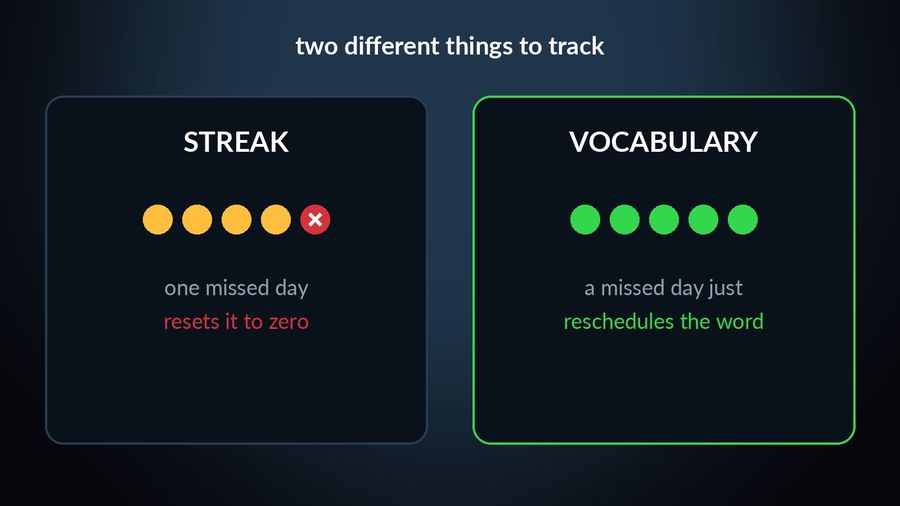
It is worth knowing the mechanics before deciding how much weight to give them, because the two safety nets are less automatic than they sound. Per Duolingo's help centre, a streak freeze "must be purchased in advance of the day of a missed lesson to protect the streak" — it is proactive, not a safety net you can reach for after the fact. If you forget to have one equipped and lose the streak anyway, the same page says you can buy a streak repair with gems, Duolingo's in-app currency, earned by completing lessons and quests or bought in packs. Both tools exist because a single missed day would otherwise reset the count to zero, which is a sign of how much weight the number carries on its own.
Duolingo has also widened the freeze itself over time. Its own blog post on the feature says a Streak Freeze lets a learner "hit pause on your streak for a day," and that learners can now "equip up to two Freezes at a time" — room, in other words, for more than one day off in a row.
Why the pressure is not an accident
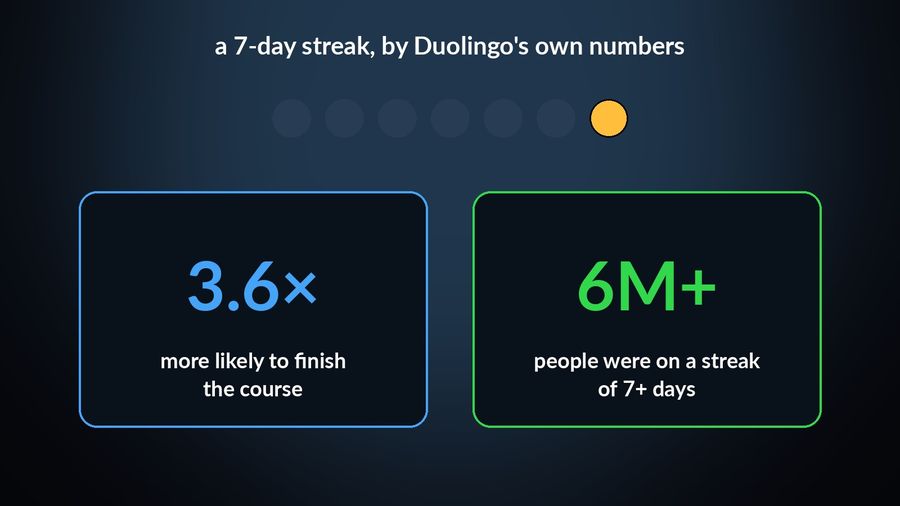
None of this is a design flaw to point at — it is a design choice Duolingo has written about openly, and it works roughly as intended. In the same blog post, Duolingo says learners who reach a seven-day streak are 3.6 times more likely to complete their course, and that, when the post was written, over six million people were on a streak of seven days or more. A counter that goes up every day and resets to zero on the first miss is an effective habit tool for a lot of people, most of the time. The trouble shows up specifically on the days the habit tool and real life stop lining up — travel, illness, a genuinely full week — and the number cannot tell the difference between skipping because you quit and skipping because you were busy.
Keeping the language without the streak
- Decide what you are actually trying to keep. If it is the habit of a daily lesson, a streak can still help; if it is the vocabulary itself, a streak is the wrong thing to be measuring, since the words do not vanish the moment the count does.
- Let some contact with the language go untracked. A show with subtitles, a podcast during a commute, a phone set to the language you are learning — none of it needs a counter, and none of it can be "lost" by a busy Tuesday. Our piece on whether passive learning actually works goes into what this kind of exposure is good for and where it falls short.
- Use the freeze and repair tools as convenience, not as obligation. They exist, per Duolingo's own help centre, for exactly the weeks described above — reach for them when they help, and treat a streak that breaks anyway as information about that week, not a verdict on your learning.
- Put the vocabulary somewhere it schedules itself. A word you keep forgetting benefits from coming back on a schedule you did not have to manage, which is the whole idea behind spaced repetition — reviewing a word just before you would have forgotten it, rather than on a fixed daily clock.
What this does not mean
None of the above is an argument against Duolingo, which remains a genuinely useful way to get structured lessons, speaking practice and grammar explanations — jobs a vocabulary widget does not attempt. It is worth knowing, if you plan to keep the vocabulary present elsewhere too, that Duolingo's own App Store listing covers iPhone, iPad and Apple Vision, with no Apple Watch app, so neither its lessons nor its streak reach the wrist. The point is narrower than "quit Duolingo": it is that the streak and the vocabulary are two different things, and only one of them needs to reset to zero when you miss a day.
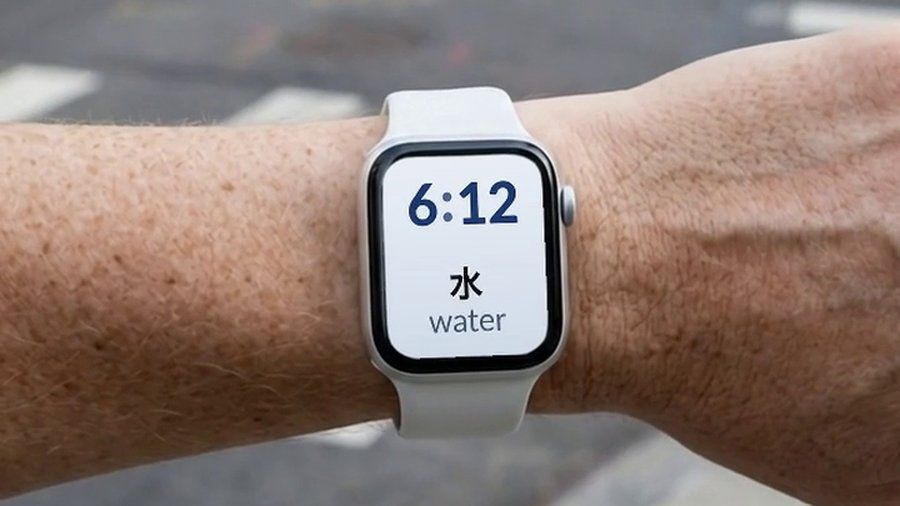

Watch Your Language puts vocabulary on your iPhone Lock Screen and Apple Watch face and decides, from the words you keep forgetting, which one to bring back next. There is no lesson to open and no queue to fall behind on, so a day you do not look costs you that day's word and nothing more. It does not teach grammar or speaking practice — pair it with a course such as Duolingo for those, and let it carry the vocabulary in the background between sessions.
A reasonable way to run it
Keep a lesson-based habit if it works for you, streak included, and stop treating a single missed day as a failure the app's own vocabulary cannot survive. For more on building that habit deliberately rather than around one counter, see how to learn vocabulary without study sessions and where your own vocabulary currently stands. The language does not know how many days in a row you showed up for it. It only knows which words you have met enough times to keep.

